Selected work

Websites, tools and page designs

Work collected here.

ThemeShow, the Axiom demo and browser tools. Explore a detail you like, then read the development notes behind it.

Site design & development

The ThemeShow website

Open

This website is a project itself. October CMS handles pages, Tailor maintains articles and theme content, and the inquiry form uses server validation and saved records.

Result / Available pages
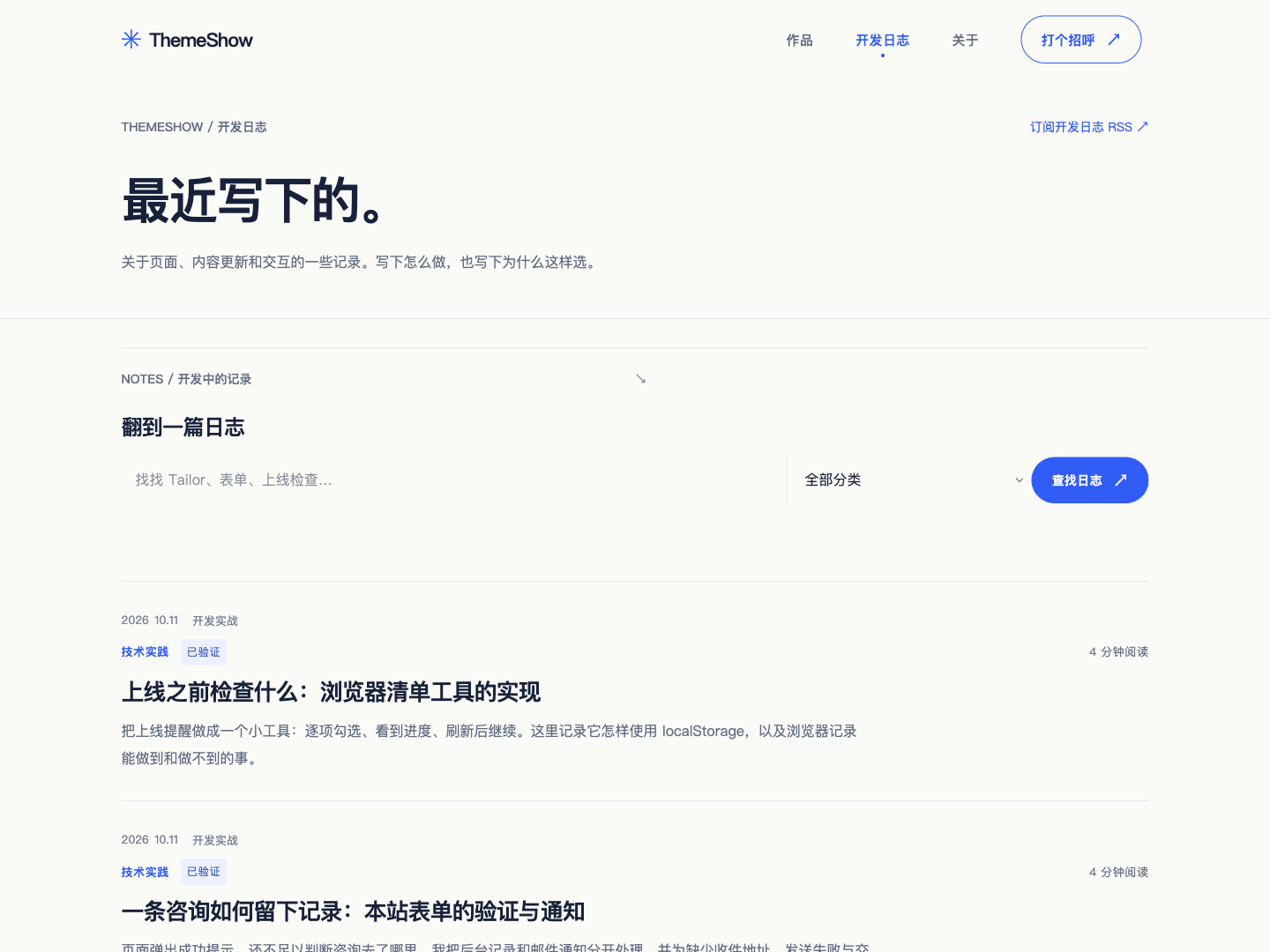
Actual screenshot of the ThemeShow development journal
Development journal / Actual screenshotOpen the development journal ↗
Development notes & scope

Implementation / The process

  1. 01

    Define content

    Tailor fields organize articles, theme information and site settings.

  2. 02

    Query public records

    Public queries select visible records and organize them for each page.

  3. 03

    Render pages

    Twig templates present the content in work, notes and contact paths.

Related files / Theme pathsblueprints/guides/article.yaml → pages/blog/index.htm → partials/guides/grid.htm

Scope / What is implemented

Editable scope
Articles, themes and settings are maintained through Tailor. Structural changes require development.
Publication rules
Public lists show published, enabled records. Drafts stay out of the directory.
Inquiry records
The production form validates and saves on the server. Notifications are handed to a mail service, with actual delivery checked separately.
Page design & interaction demo

Axiom page demo

Open

Browse home, services and contact, then edit a headline and introduction. This scoped demo illustrates the information journey and content editing.

Result / Available pages

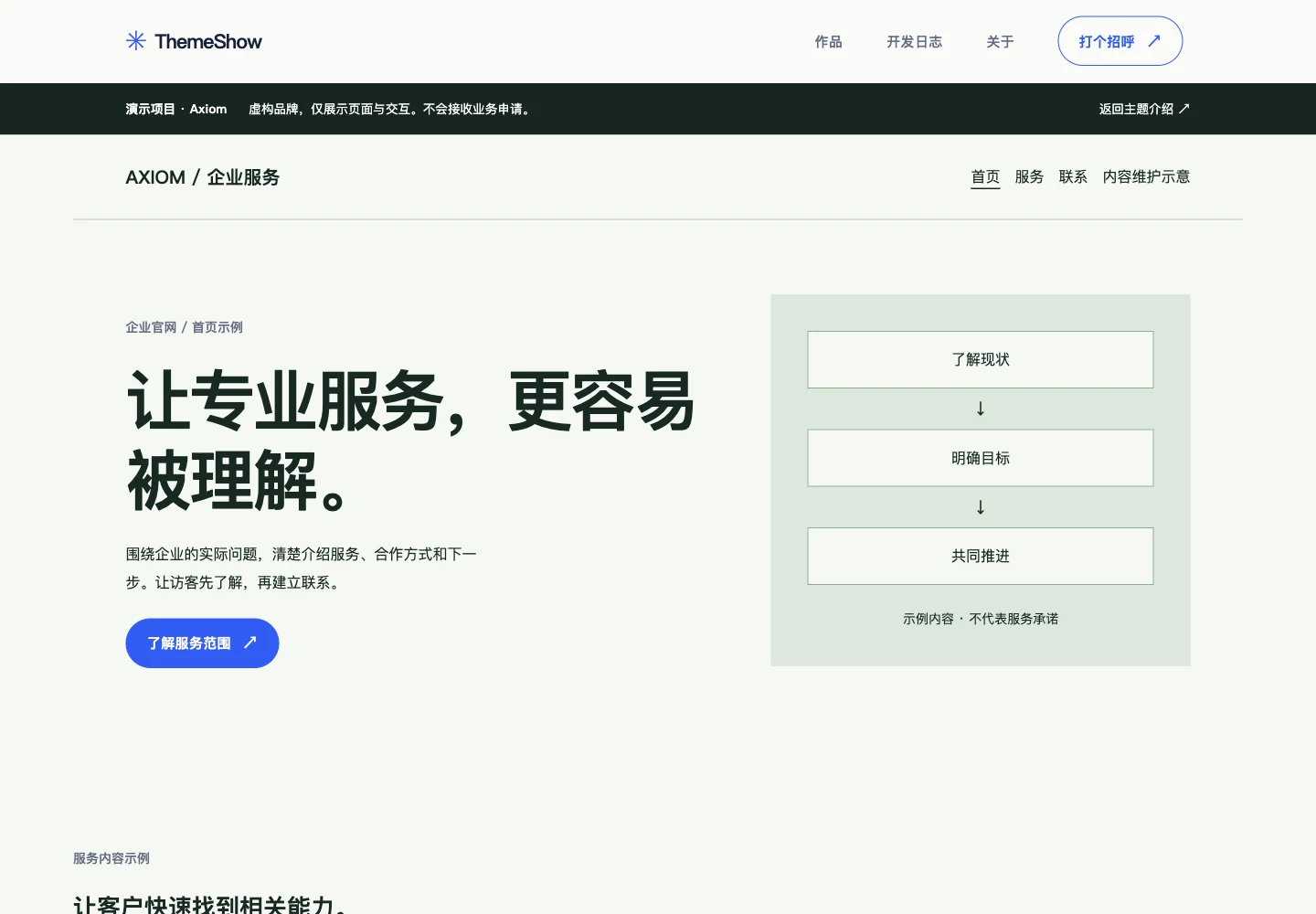
Actual screenshot of the Axiom website demo
Website demo / Fictional brandTry the Axiom pages ↗
Development notes & scope

Implementation / The process

  1. 01

    Edit fields

    Change the brand, homepage headline and introduction in the editing demo.

  2. 02

    Save in this tab

    When storage is available, sessionStorage temporarily keeps these fields.

  3. 03

    Update the preview

    The script applies text to demo pages within the browser.

Related files / Theme pathspages/themes/axiom-demo.htm → assets/js/axiom-demo.js

Scope / What is implemented

Example brand
Axiom is a fictional brand used to demonstrate pages and interactions.
Editing scope
Edits affect the current tab to illustrate a content maintenance workflow.
Contact demo
The form displays local feedback without sending, saving or creating CMS records.

Demo edits run in the current tab. The contact form only shows feedback without sending or saving it.

Browser tools

Website planning tools

Open

Four tools to outline workload, requirements, launch tasks and a homepage direction. Inputs are processed in the browser without registration.

Result / Available pages

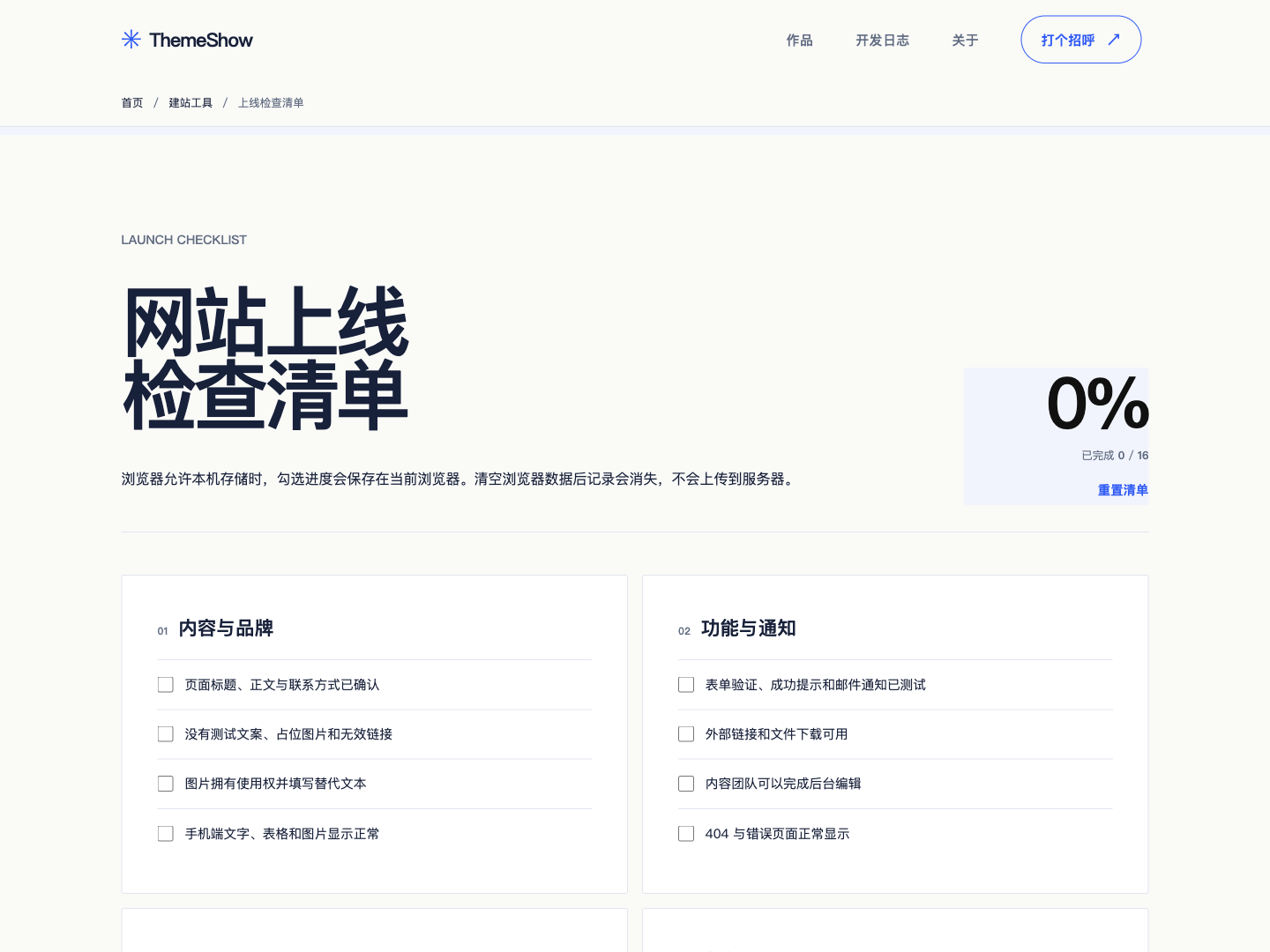
Actual screenshot of the website launch checklist
Launch checklist / Actual screenshotOpen the browser tools ↗
Development notes & scope

Implementation / The process

  1. 01

    Review tasks

    Stable checklist IDs identify each selection.

  2. 02

    Save valid selections

    Only known IDs with boolean true values are saved through localStorage.

  3. 03

    Restore & explain

    Restore valid progress when reopened and explain storage failures in a status area.

Related files / Theme pathspages/tools/checklist.htm → assets/js/themeshow.js

Scope / What is implemented

Local progress
Progress stays in the current browser. When storage is unavailable, the checklist remains usable and explains the saving failure.
Requirements draft
The brief is generated on the page. Choosing to transfer it saves a temporary draft in this tab. Upload occurs when the inquiry is submitted.
Layout preview
Name and colors form a layout preview. Copy the direction draft or explicitly transfer it to an inquiry to continue planning.
Assessment & review
The workload tool provides a planning reference without prices. Review checklist items against the actual website.

Layout studies

Design explorations.

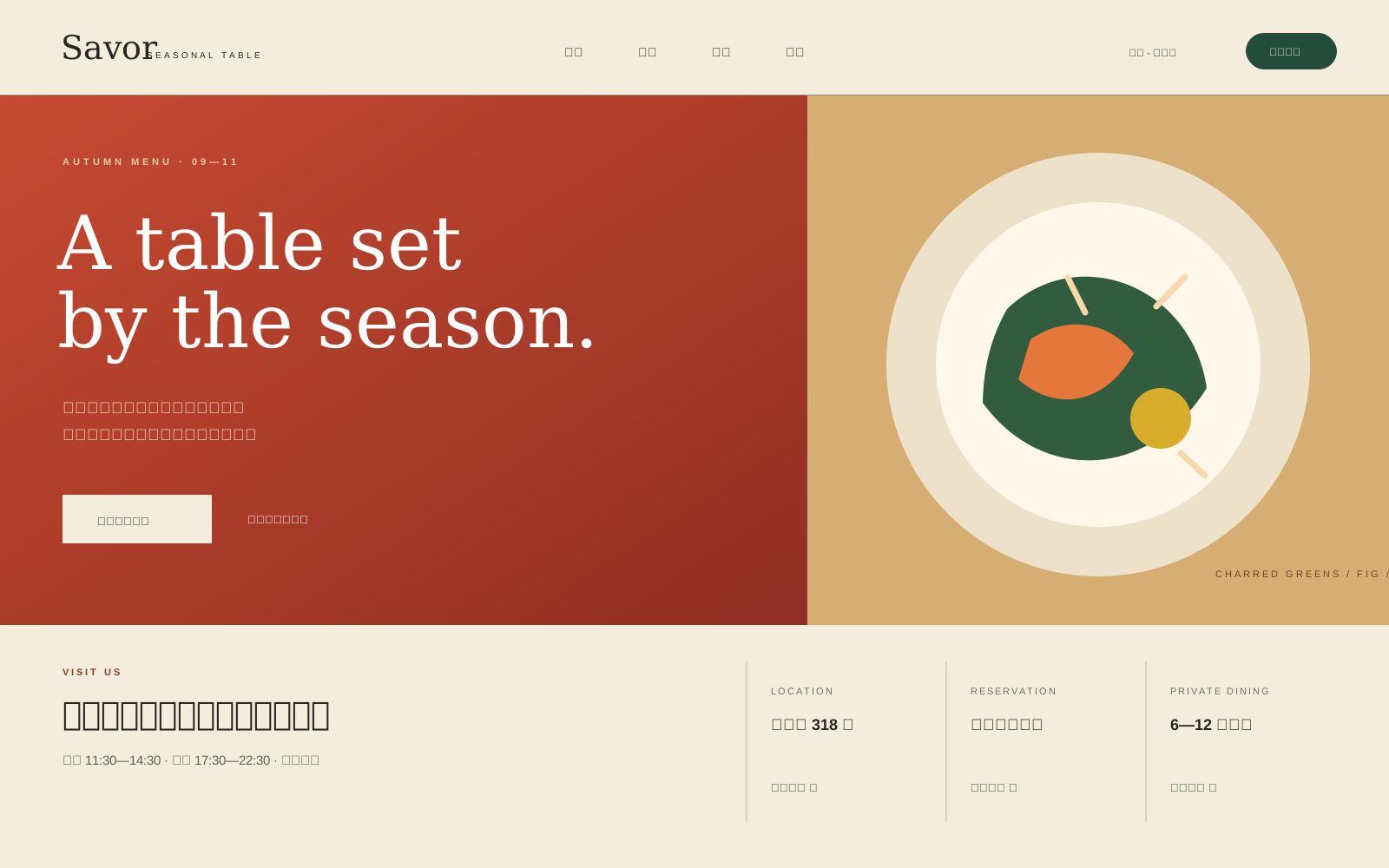
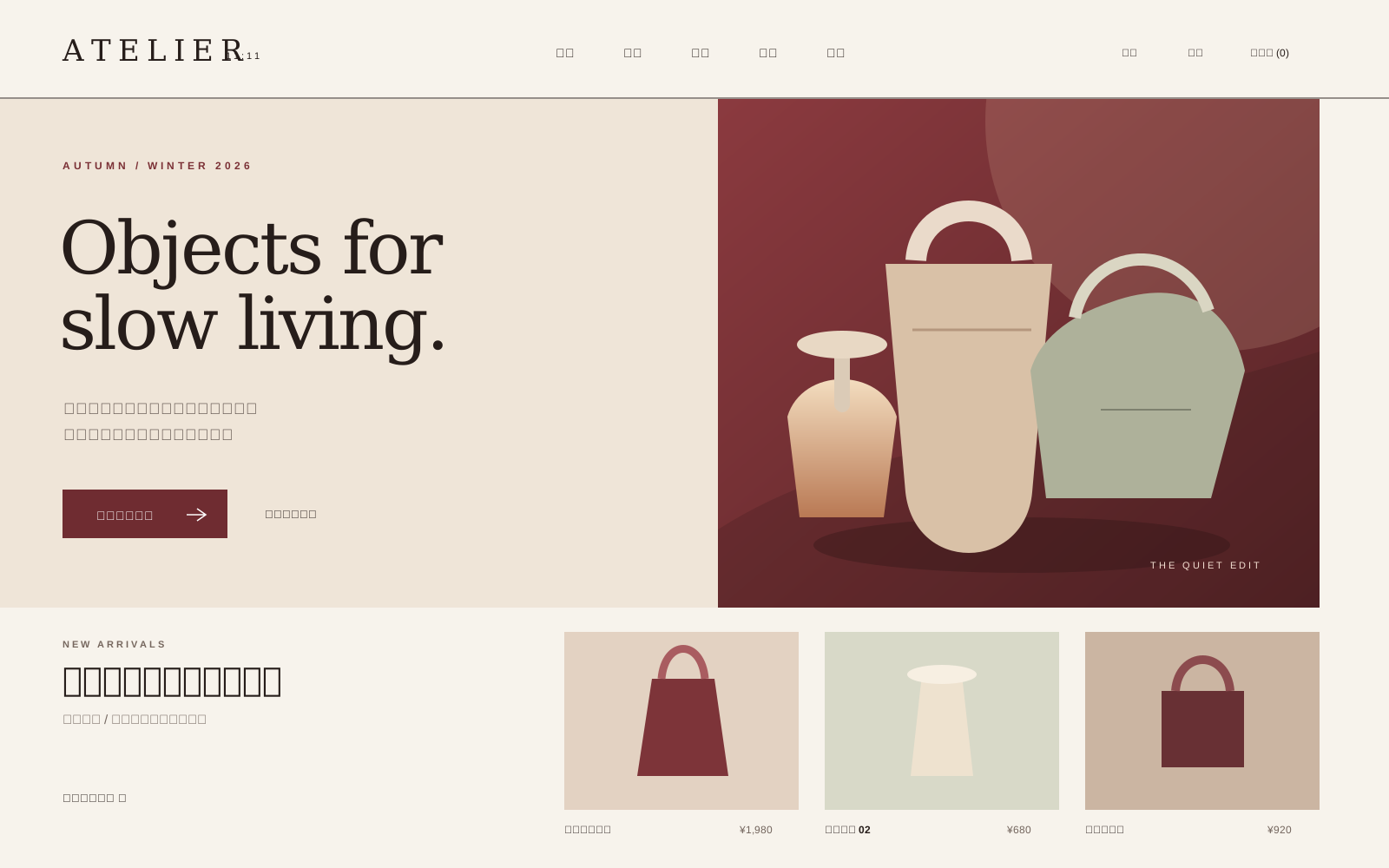
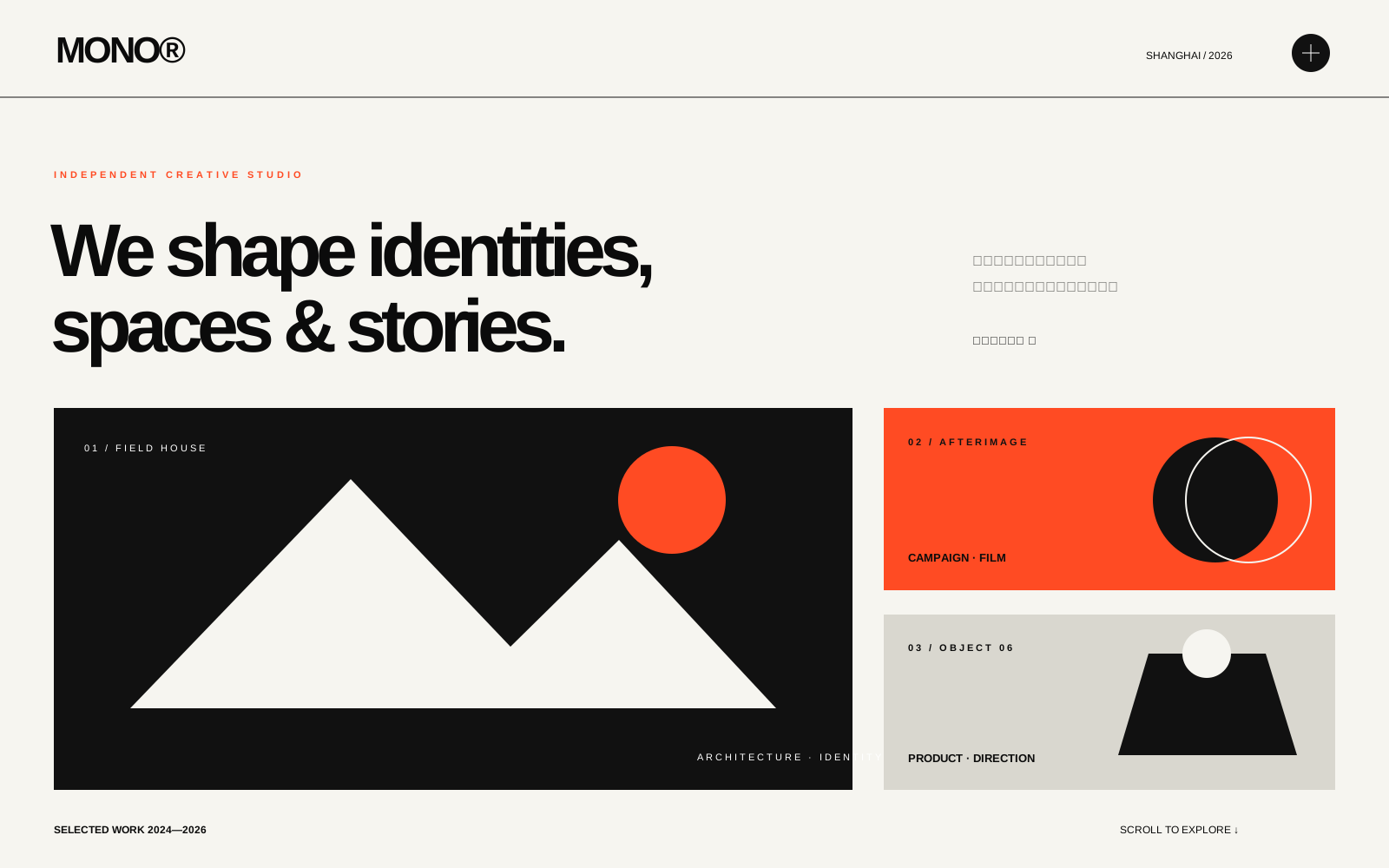
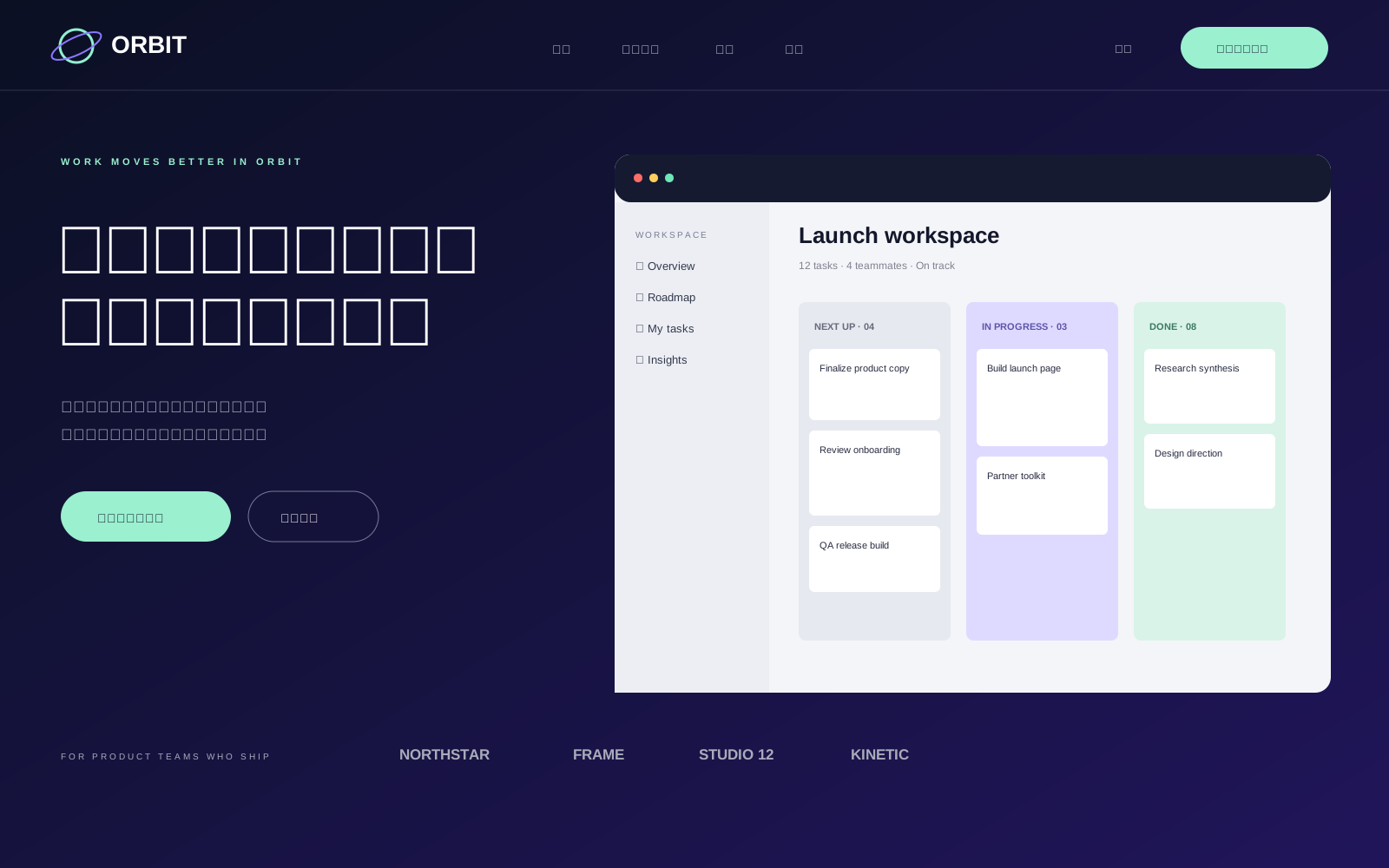
Static previews for studying layout and content structure. Booking, purchasing and signup controls are visual examples.

Static previews

5 design directions